Set Up Google Workspace
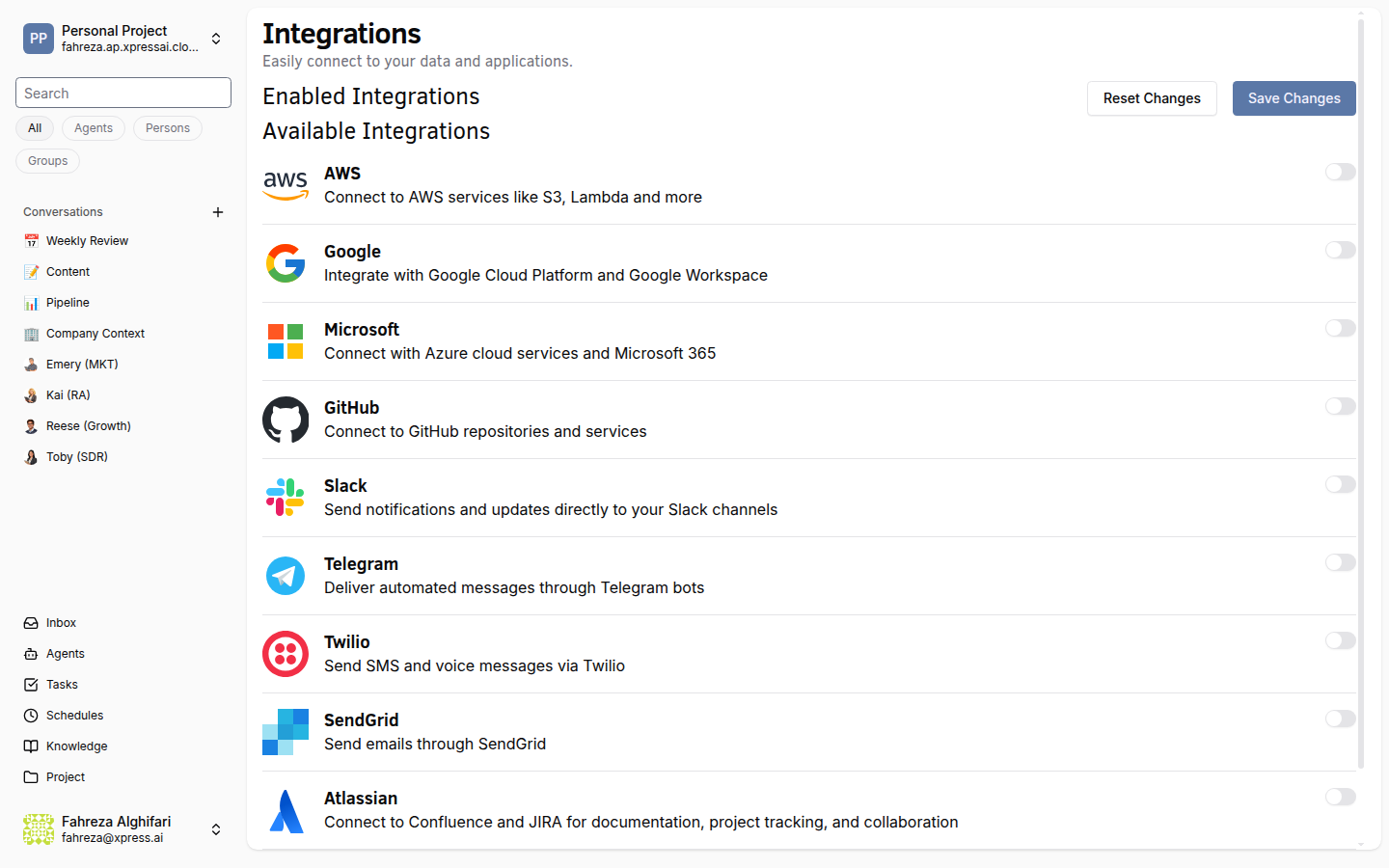
Connect Google Workspace to give your agents access to Google Docs, Sheets, and Slides. This integration enables 11 tools for creating, reading, updating, and managing Workspace documents.
Prerequisites
- You are signed in to the XpressAI Platform.
- You have a Google Cloud project with the Google Workspace APIs enabled.
- You have a service account key (JSON) or OAuth credentials ready. To create a service account key, see Google's documentation on creating service account keys.
Steps
- Navigate to Integrations from the sidebar.
- Find Google Workspace in the integrations list.
- Click Add.
- Choose your authentication method:
- Service Account -- upload your service account JSON key file.
- OAuth -- follow the OAuth flow to authorize access.
- Click Save.
- Test the integration by asking an agent to perform a Workspace action (for example, "Create a new Google Doc called Test").
info
Google Workspace integrations are shared at the workspace level (the organizational container above projects in the platform hierarchy). All agents in the workspace can use the connected Workspace tools.
tip
The service account method is recommended for automated workflows since it does not require user interaction for re-authorization.
Verify
- The Google Workspace integration shows as Connected in the Integrations list.
- An agent can successfully create, read, or update a Google Doc, Sheet, or Slide.