Open Xircuits Studio
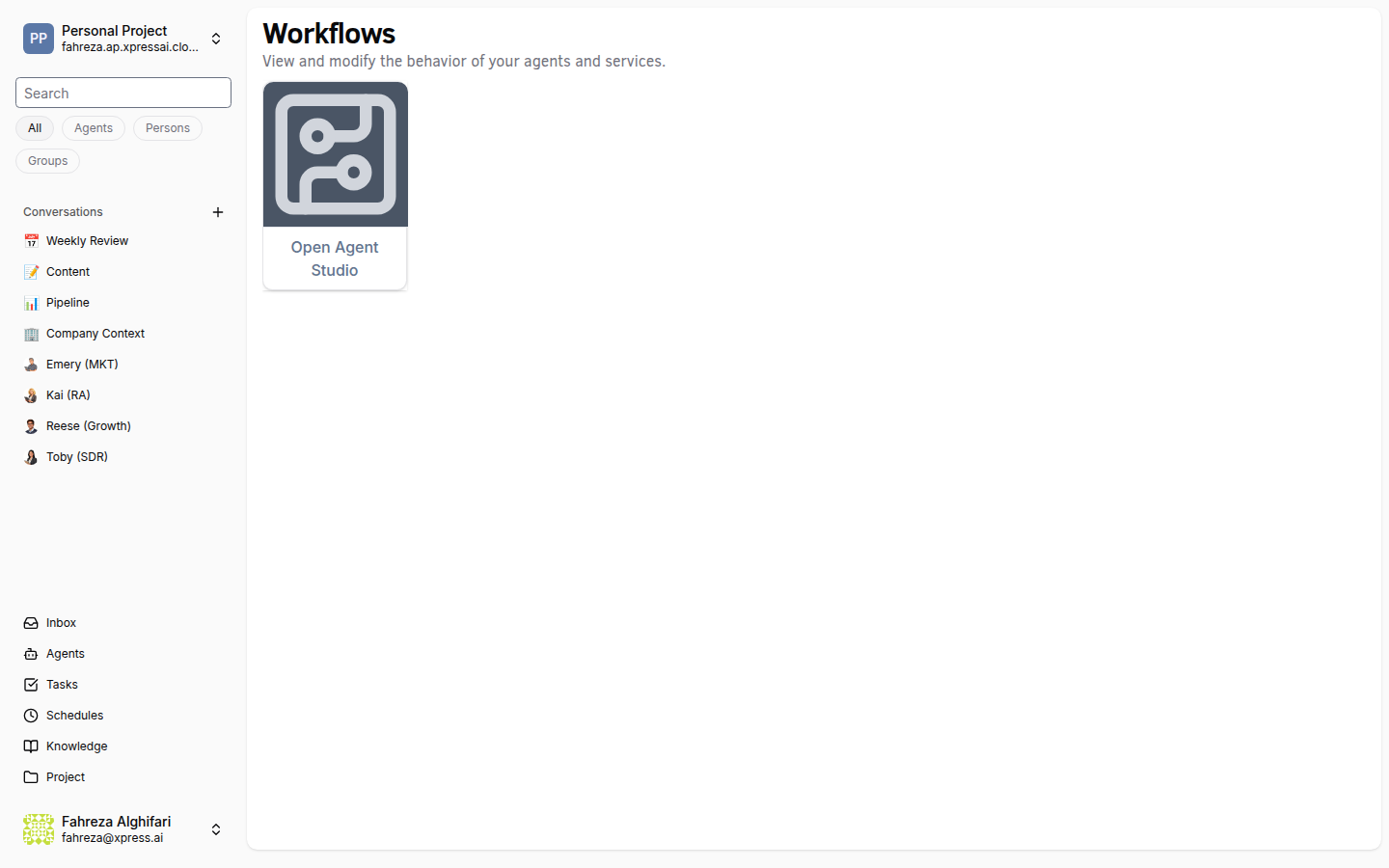
Xircuits Studio is a visual workflow editor that runs in your browser. It is backed by a Knative service in your project's namespace.
Prerequisites
- You are signed in to the XpressAI Platform.
- You have an active project.
Steps
There are two ways to open Studio:
Option A: From the dashboard
- Navigate to the Dashboard.
- Click Start Studio.
Option B: From the Xircuits section
- Navigate to the Xircuits section from the sidebar.
- Click Open Studio.
After opening (both options)
- Studio opens as an embedded IDE in a new browser tab.
- Wait for the Studio environment to initialize. The first launch may take a moment as the Knative service scales up.
info
Studio runs as a Knative service in your project's namespace. It scales to zero when not in use and starts up on demand.
tip
If Studio takes longer than expected to load, it may be scaling up from zero. Wait 30-60 seconds and the editor will appear.
Verify
- A new browser tab opens with the Xircuits Studio IDE.
- The file browser on the left shows your project's files.
- You can create, open, and edit
.xircuitsworkflow files.