Create a Vector Space
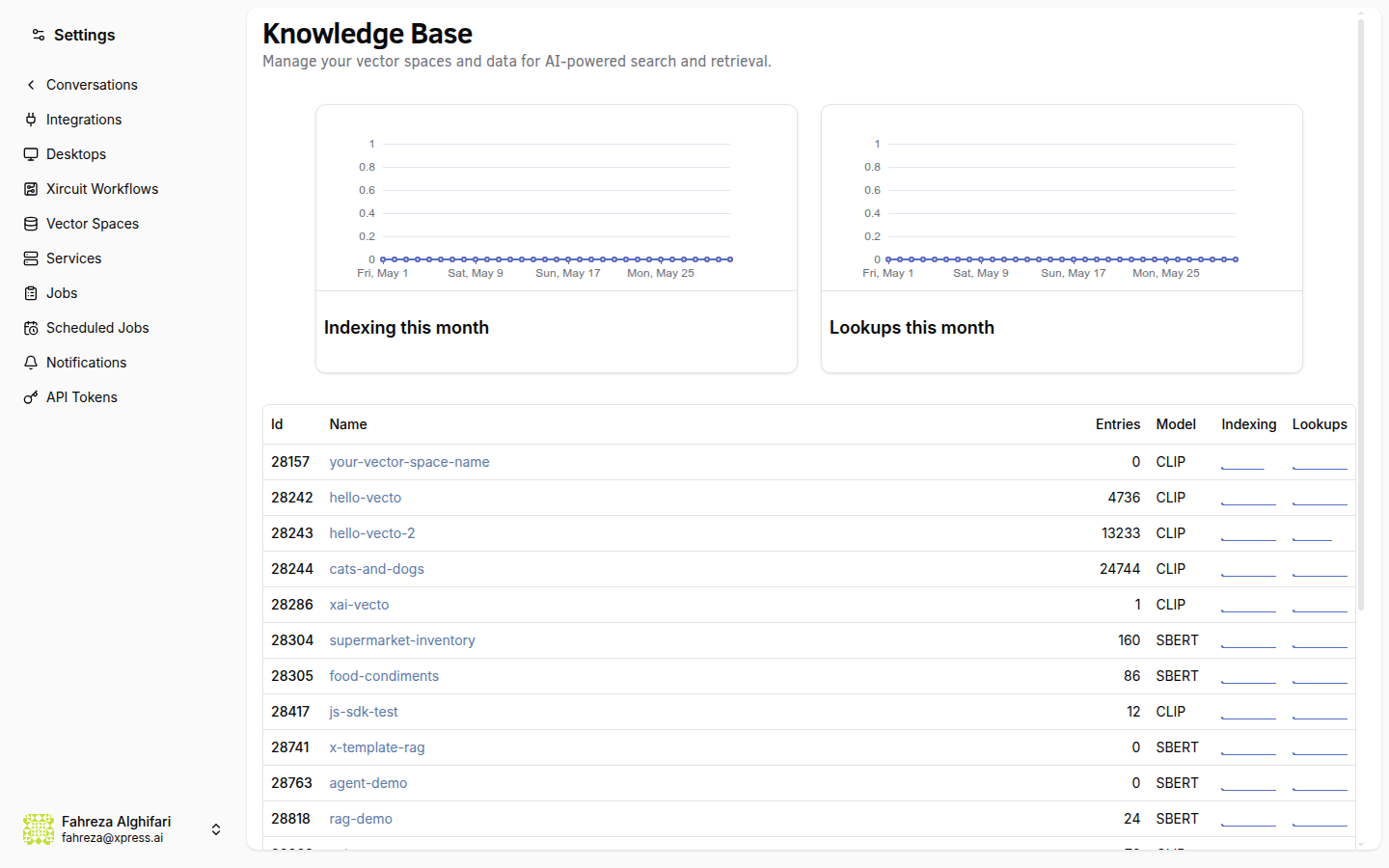
A vector space is a knowledge base that stores document embeddings for semantic search. Agents use vector spaces to perform retrieval-augmented generation (RAG) over your documents.
Prerequisites
- You are signed in to the XpressAI Platform.
- You have an active project.
Steps
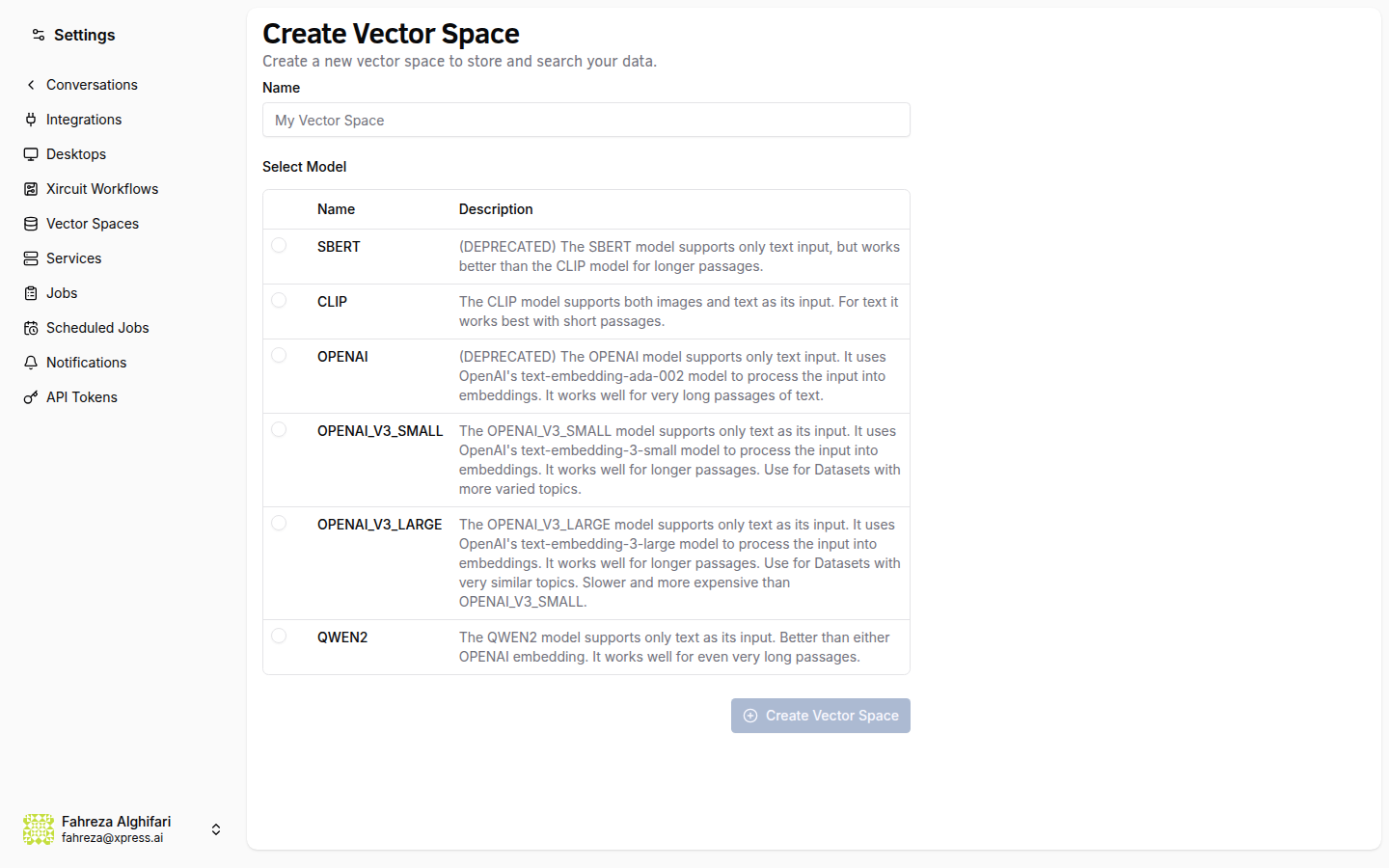
- Navigate to the Knowledge section from the sidebar.
- Click Create.
- Enter a name for the vector space.
- Select an embedding model from the dropdown. The default model works well for most use cases.
- Click Create.
info
The vector space is ready for uploads immediately after creation. No additional configuration is required.
tip
Choose a descriptive name that reflects the content you plan to store, such as "Product Documentation" or "Support Tickets Q1." This makes it easier to manage multiple vector spaces.
Verify
- The new vector space appears in the Knowledge list.
- You can select it and see the upload interface ready for use.