View Subscription Plans
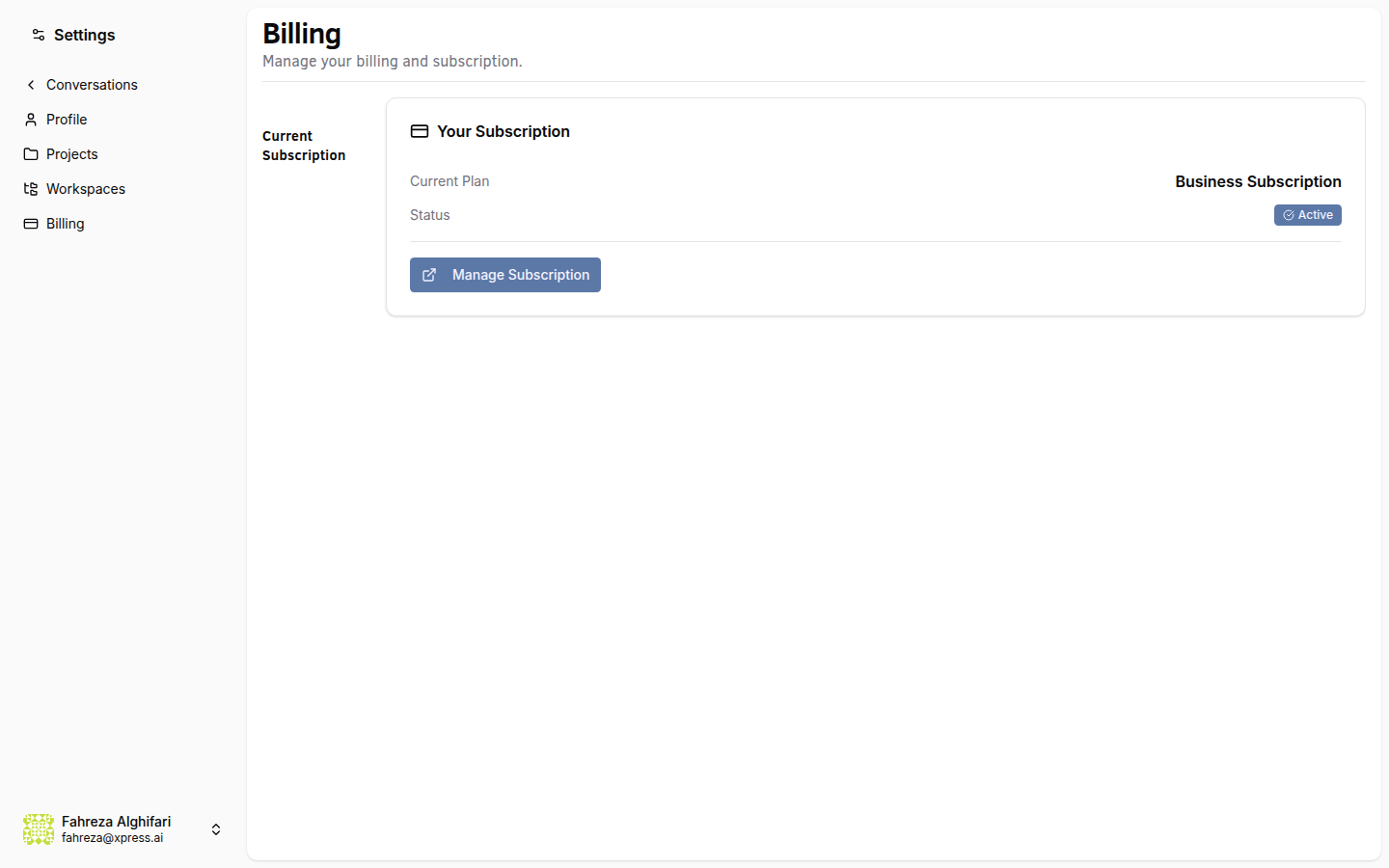
Review the available subscription tiers and compare features to find the right plan for your needs.
Prerequisites
- You are signed in to the XpressAI Platform.
Steps
- Navigate to Settings from the sidebar.
- Select Billing.
- Your current plan is displayed at the top of the page.
- Review the tier comparison table below it.
Plan comparison
| Feature | Free | Pro | Team | Crew | Enterprise |
|---|---|---|---|---|---|
| Agent Limit | 1 | 3 | 5 | 10 | Unlimited |
| Pricing | $0 | See the Billing page for current pricing | See the Billing page for current pricing | See the Billing page for current pricing | Custom |
info
The Free tier is the default for all new users. No payment information is required.
tip
If you are unsure which plan is right for you, start with Free and upgrade as your agent needs grow. Upgrades take effect immediately.
Verify
- The Billing page displays your current plan name and status.
- The tier comparison table is visible and shows all available plans.