Upgrade Your Subscription
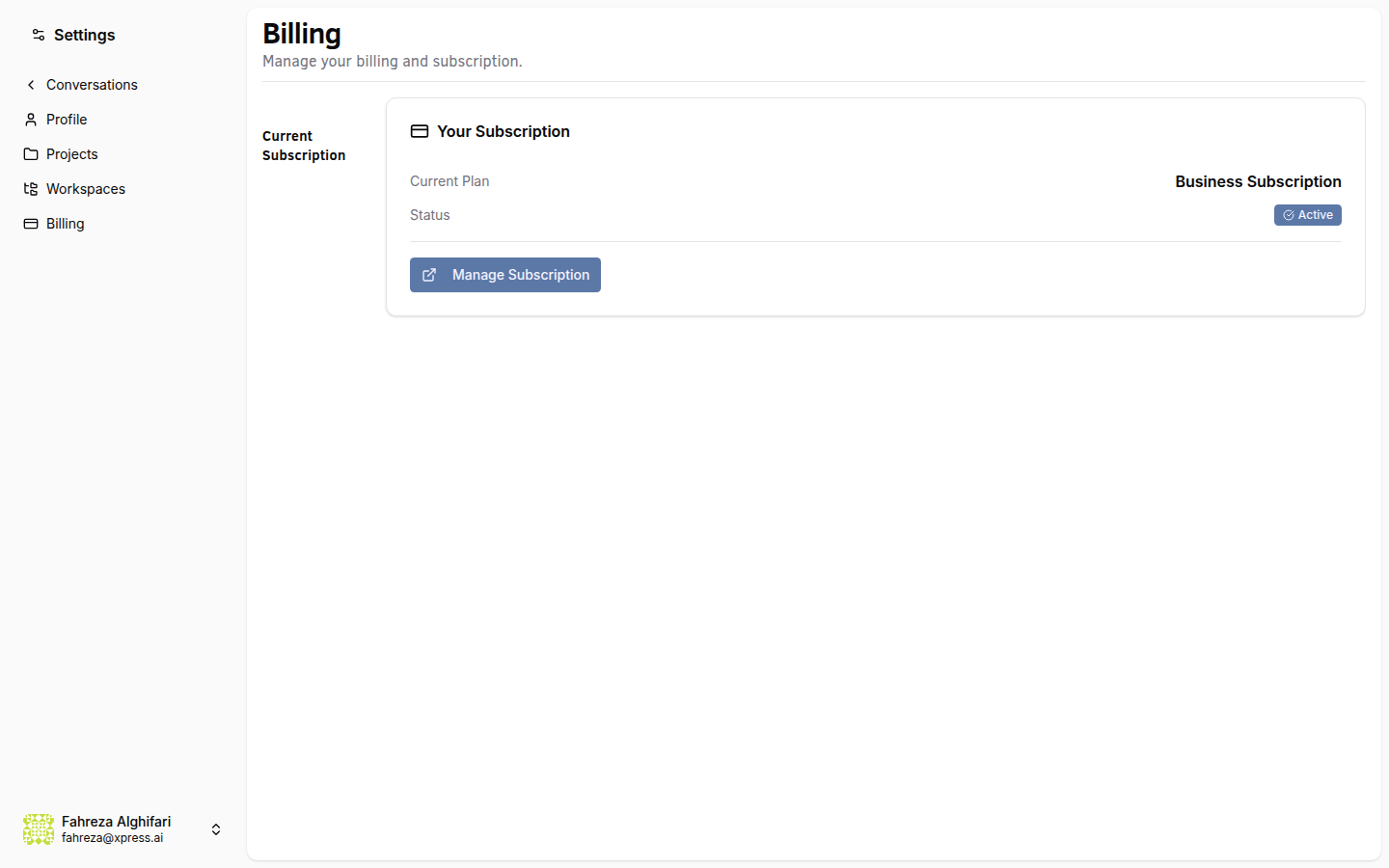
Upgrade to a higher tier to unlock more agents and features. New capabilities are available immediately after payment.
Prerequisites
- You are signed in to the XpressAI Platform.
Steps
- Navigate to Settings > Billing.
- Review the available plans.
- Click Upgrade on the plan you want.
- You are redirected to the Stripe checkout page.
- Enter your payment details and complete the purchase.
- You are redirected back to the platform.
info
New features and increased limits unlock immediately after a successful payment. There is no waiting period.
tip
New accounts are eligible for a 14-day free trial on paid plans. You can explore all features during the trial before being charged.
info
To downgrade, follow the same steps and select a lower tier. Note: if your current agent count exceeds the lower tier's limit, you may need to remove agents first.
Verify
- The Billing page shows your new plan as the current subscription.
- Your agent limit has increased to match the new tier.
- You can create agents up to the new limit.