Create a Project
Projects are the top-level container for your agents, workflows, conversations, and integrations. Each project has its own isolated namespace.
Prerequisites
- You are signed in to the XpressAI Platform.
Steps
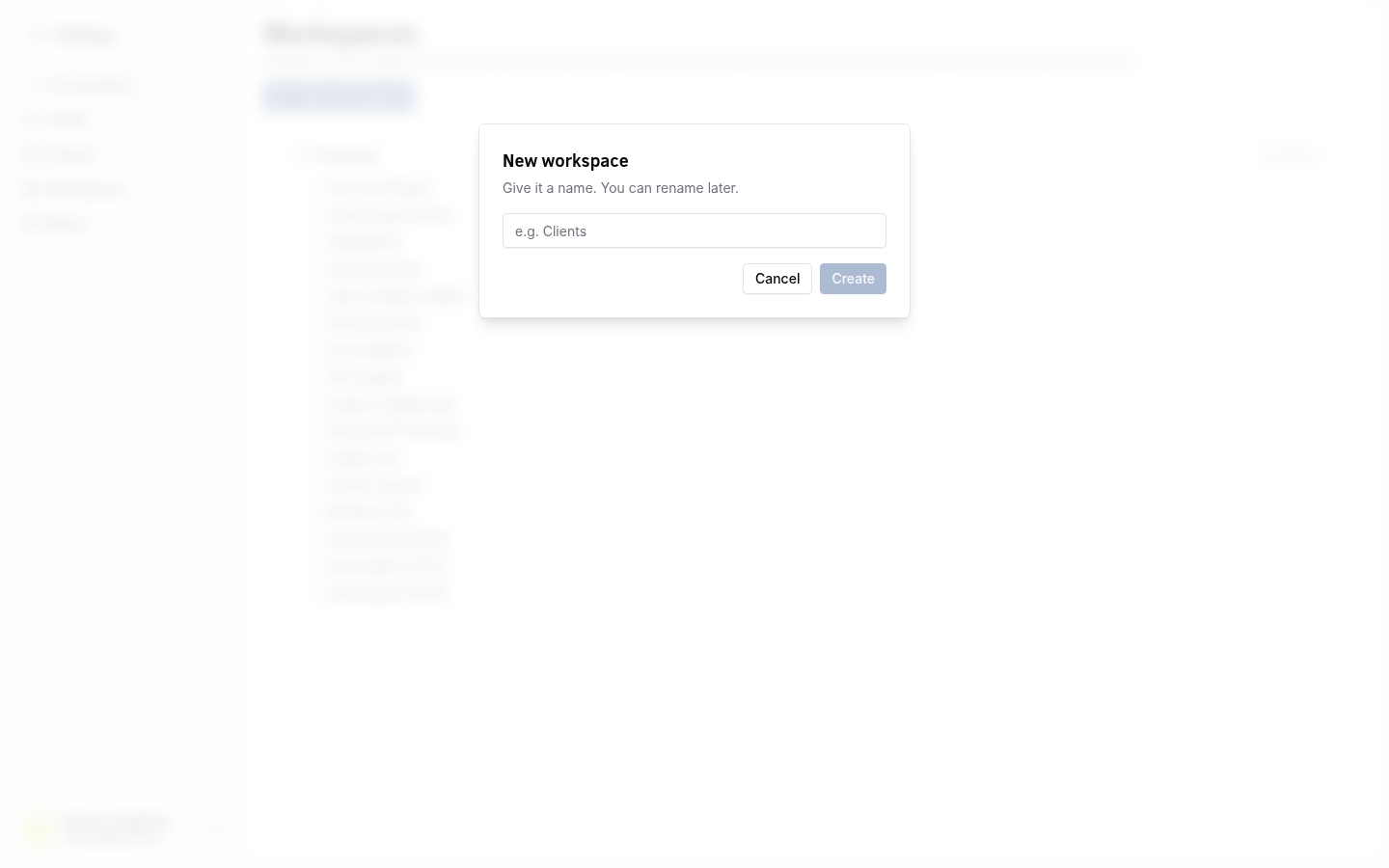
- Click the Project Selector in the top navigation bar.
- Click Create New.
- Enter a name for the project.
- Choose a namespace (auto-generated from the name, or customize it).
- Select the project type:
- Personal -- only you have access. Your personal project is created automatically on sign-up.
- Team -- multiple users can be invited as members.
- Click Create.
info
Personal projects are prefixed with personal- followed by your user ID. Team projects use the namespace you specify.
warning
Choose a short, descriptive namespace. It is used in URLs and API calls, and cannot be changed after creation.
Verify
- The new project appears in the Project Selector dropdown.
- Switching to the project shows an empty dashboard ready for agents and workflows.