Set Up Microsoft / Azure
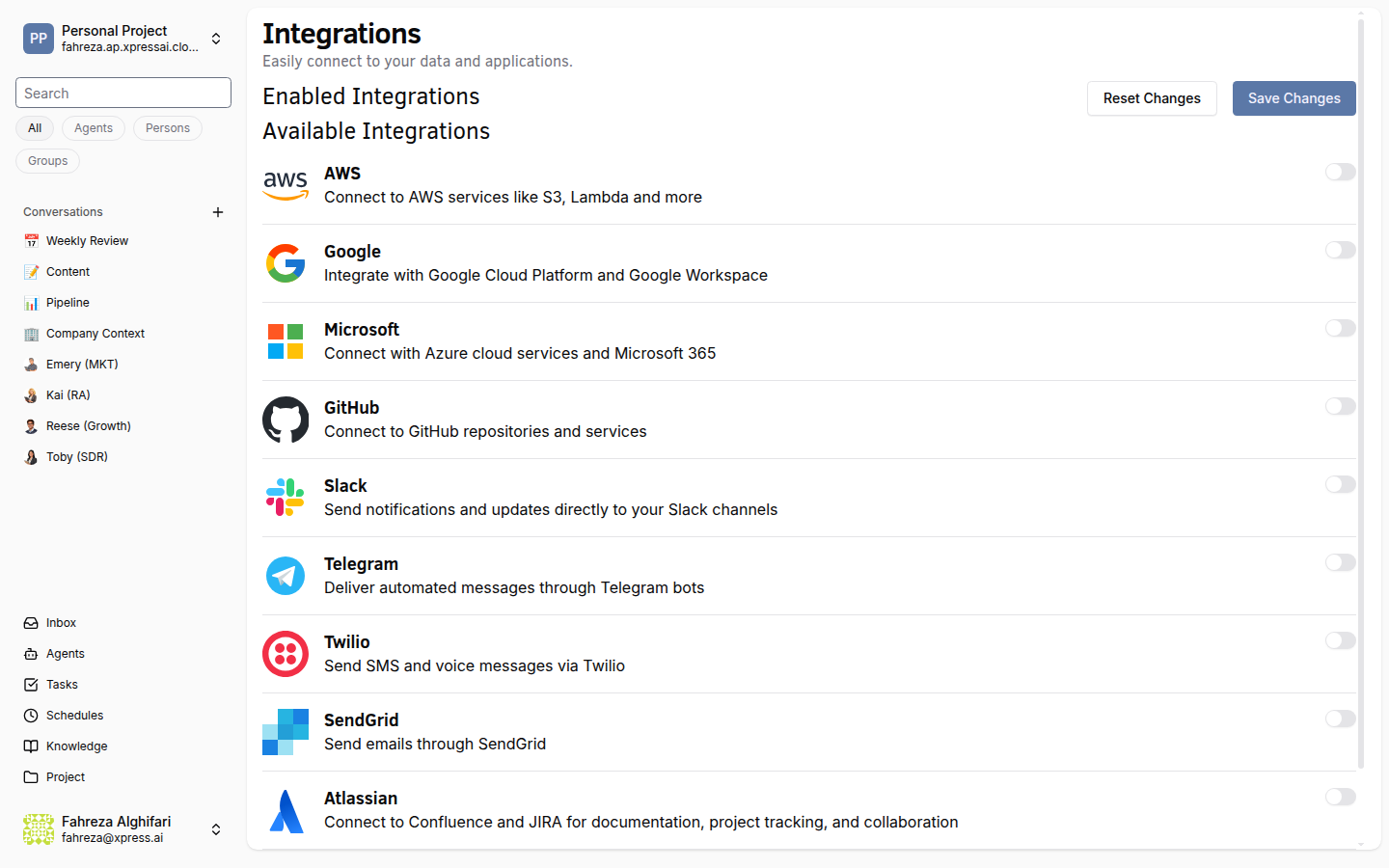
Connect Microsoft services to give your agents access to Teams, Azure, and other Microsoft products.
Prerequisites
- You are signed in to the XpressAI Platform.
- You have a Microsoft or Azure account with the required service access.
- You have the necessary credentials (client ID, client secret, or API keys depending on the service).
Steps
- Navigate to Integrations from the sidebar.
- Find Microsoft in the integrations list.
- Click Add.
- Enter your Microsoft or Azure credentials. You will need:
- Client ID (Application ID from your Azure App Registration)
- Client Secret (generated in the App Registration's Certificates & secrets section)
- Tenant ID (your Azure Active Directory tenant identifier)
- Click Save.
- Test the integration by asking an agent to perform a Microsoft service action (for example, sending a Teams message or accessing an Azure resource).
info
The specific credentials required depend on which Microsoft services you plan to use. Refer to Microsoft's documentation for setting up app registrations and generating client secrets.
tip
Use an Azure App Registration with the minimum required API permissions for your use case. This limits the blast radius if credentials are compromised.
Verify
- The Microsoft integration shows as Connected in the Integrations list.
- An agent can perform actions with the connected Microsoft services (for example, post a message in Teams or read data from Azure).