Set Up Atlassian (Confluence and Jira)
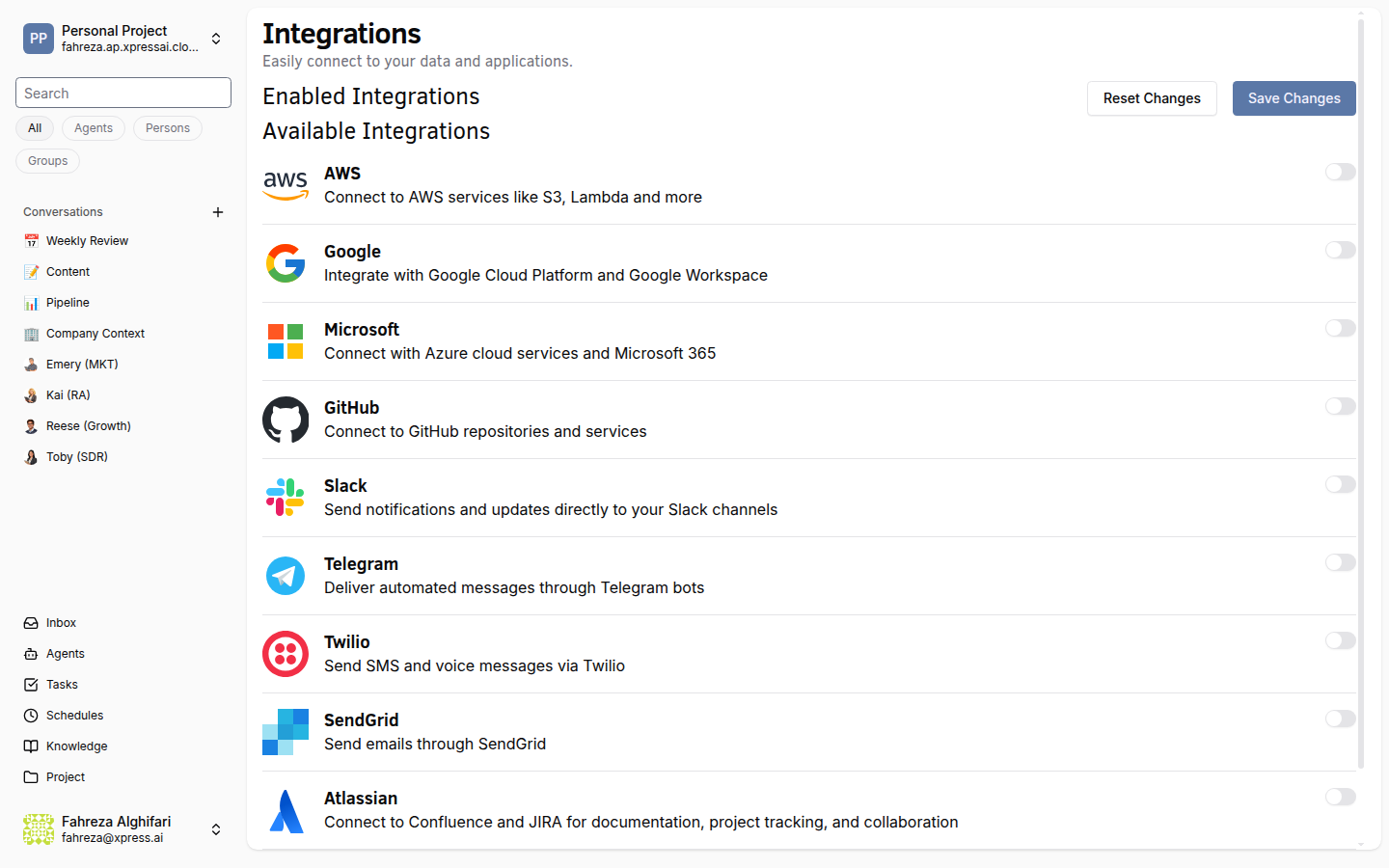
Connect Atlassian to give your agents access to Confluence and Jira. This integration enables 12 tools including search, CRUD operations, comments, and issue transitions.
Prerequisites
- You are signed in to the XpressAI Platform.
- You have an Atlassian Cloud account.
- You have an Atlassian API token (generate one at id.atlassian.com).
Steps
- Navigate to Integrations from the sidebar.
- Find Atlassian in the integrations list.
- Click Add.
- Enter the following credentials:
- Email -- the email address associated with your Atlassian account.
- API Token -- your Atlassian API token.
- Base URL -- your Atlassian instance URL (for example,
https://yourcompany.atlassian.net).
- Click Save.
- Test the integration by asking an agent to search for a Jira issue or Confluence page.
info
This single integration covers both Confluence and Jira. You do not need separate configurations for each product.
tip
Use a service account email rather than a personal account for team-wide integrations. This prevents access issues if an individual leaves the team.
Verify
- The Atlassian integration shows as Connected in the Integrations list.
- An agent can search Jira issues, create or update Confluence pages, and add comments.