Set Up Slack
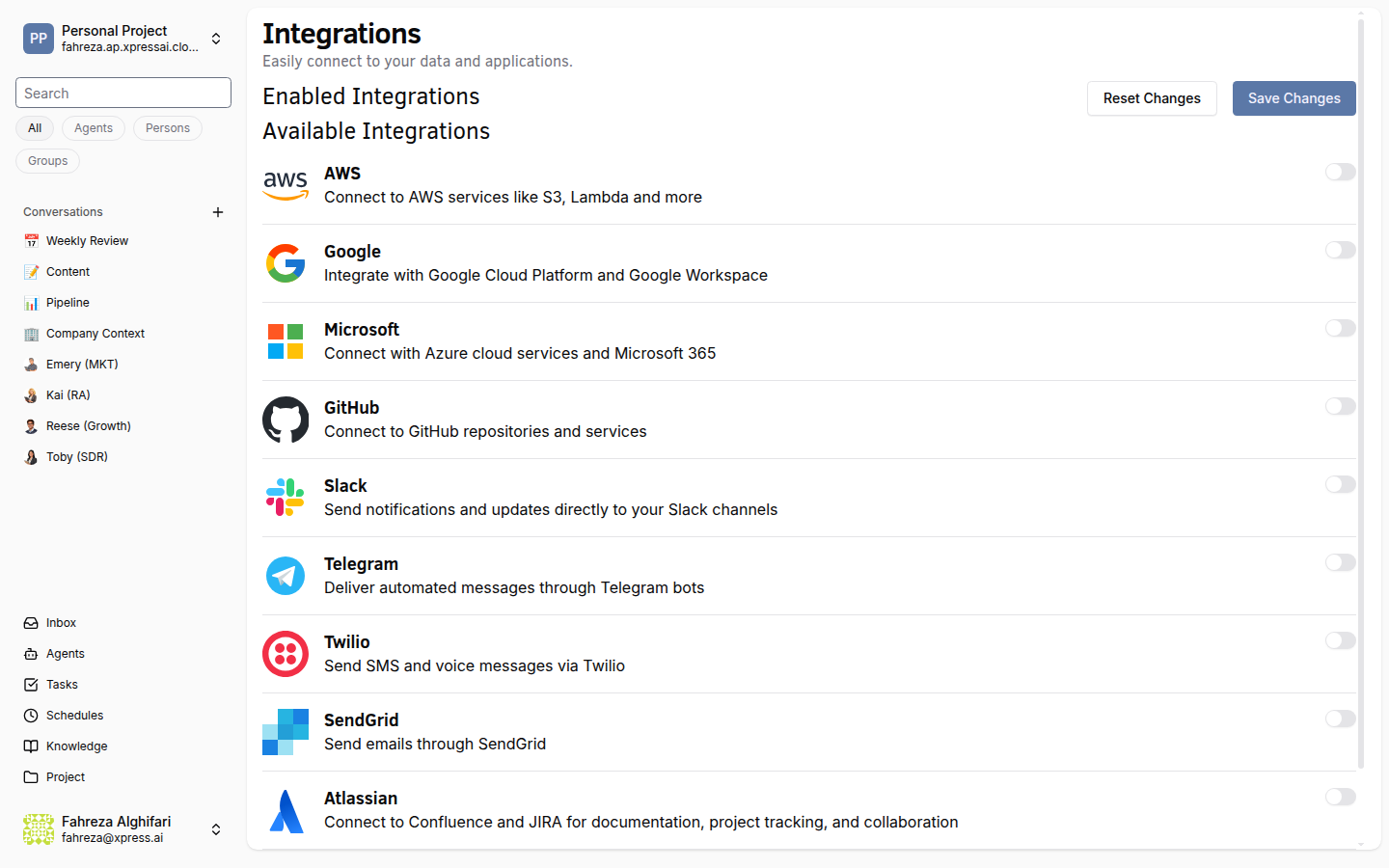
Connect Slack to let your agents send and receive messages in Slack channels.
Prerequisites
- You are signed in to the XpressAI Platform.
- You have a Slack workspace with permission to install apps.
- You have a Slack Bot Token (starts with
xoxb-).
Steps
- Navigate to Integrations from the sidebar.
- Find Slack in the integrations list.
- Click Add.
- Enter your Slack Bot Token.
- Click Save.
- Test the integration by asking an agent to send a message to a Slack channel.
info
Make sure your Slack bot has been invited to the channels where you want it to post. The bot can only access channels it has been added to.
tip
Create a dedicated Slack bot for your XpressAI agents using the Slack API portal. Grant it the chat:write, channels:read, and channels:history scopes at minimum.
Verify
- The Slack integration shows as Connected in the Integrations list.
- An agent can send a message to a Slack channel and the message appears in Slack.