Set Up GitHub
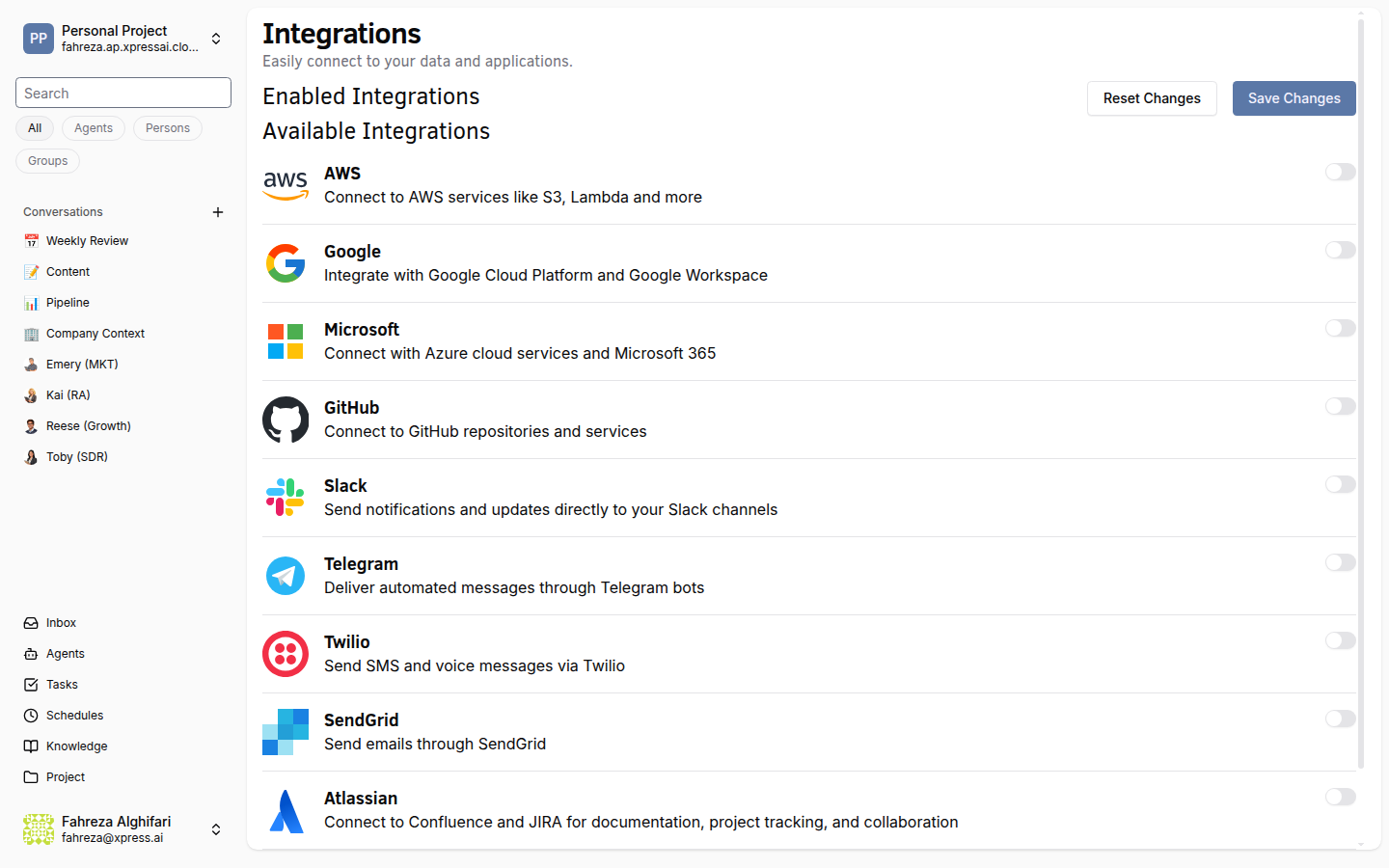
Connect GitHub to give your agents access to repositories, pull requests, and other GitHub operations.
Prerequisites
- You are signed in to the XpressAI Platform.
- You have a GitHub account with access to the repositories you want to connect.
- You have a GitHub Personal Access Token (PAT) with appropriate scopes.
Steps
- Navigate to Integrations from the sidebar.
- Find GitHub in the integrations list.
- Click Add.
- Enter your GitHub Personal Access Token.
- Click Save.
- Test the integration by asking an agent to list repositories or read a file from a repo.
tip
When generating your PAT, grant the repo scope for full repository access, or use fine-grained tokens to limit access to specific repositories.
warning
Treat your Personal Access Token like a password. It grants access to your GitHub resources. Use a token with the minimum scopes required for your use case.
Verify
- The GitHub integration shows as Connected in the Integrations list.
- An agent can list repositories, read files, or perform PR operations on your connected repos.