Set Up AWS
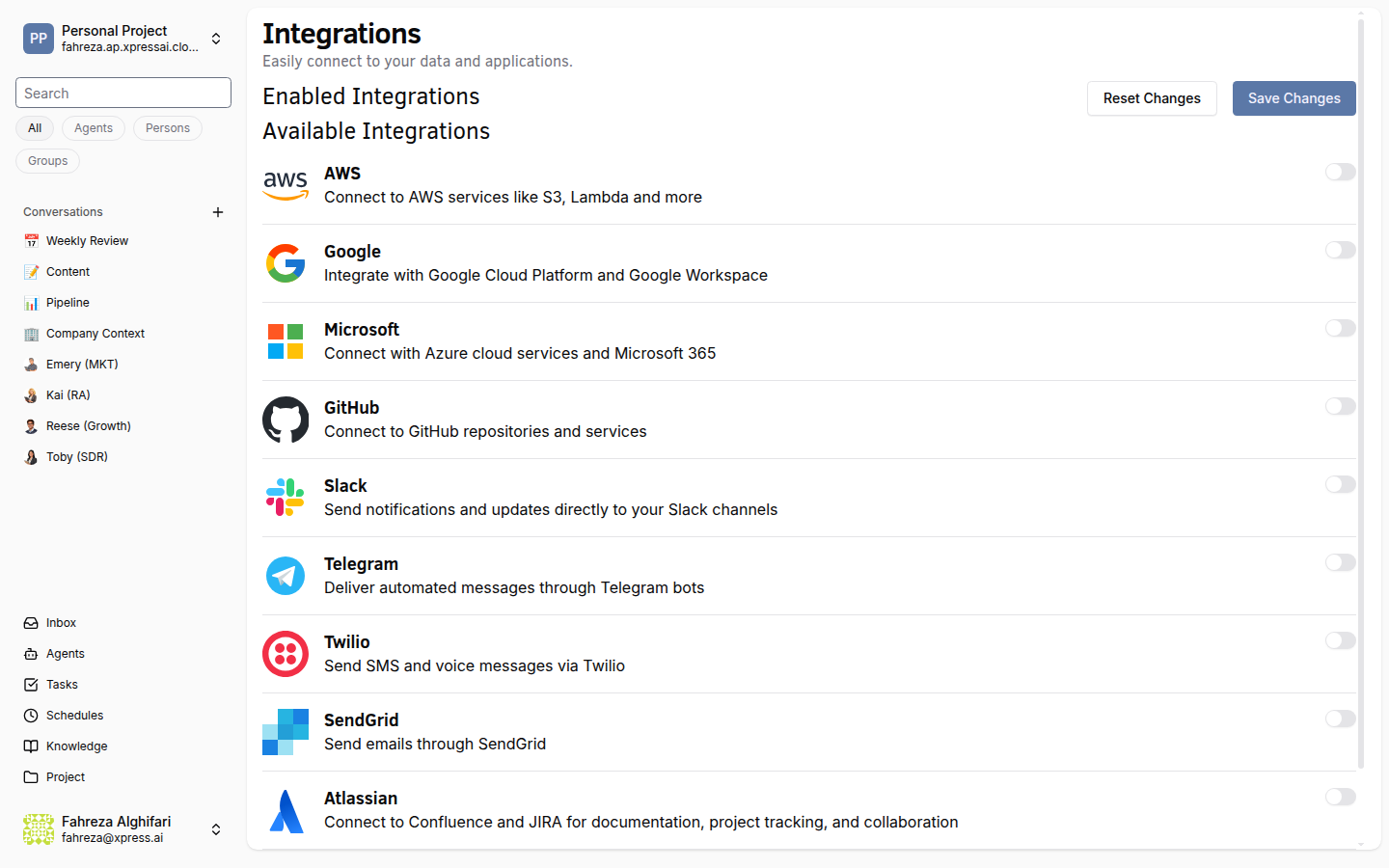
Connect AWS to give your agents access to AWS services such as S3 and other AWS services.
Prerequisites
- You are signed in to the XpressAI Platform.
- You have an AWS account.
- You have an Access Key ID and Secret Access Key for an IAM user or role with the required permissions.
Steps
- Navigate to Integrations from the sidebar.
- Find AWS in the integrations list.
- Click Add.
- Enter your Access Key ID.
- Enter your Secret Access Key.
- Click Save.
- Test the integration by asking an agent to perform an AWS operation (for example, listing S3 buckets).
warning
Follow AWS security best practices: use an IAM user with only the permissions your agents need. Avoid using root account credentials.
tip
Create a dedicated IAM user for the XpressAI integration and attach a policy that grants access only to the specific services and resources your agents require.
Verify
- The AWS integration shows as Connected in the Integrations list.
- An agent can interact with AWS services (for example, list or read objects in an S3 bucket).