View Usage Metrics
Monitor your vector space's indexing activity and storage usage. Metrics help you understand usage patterns and manage costs.
Prerequisites
- You are signed in to the XpressAI Platform.
- You have an existing vector space with indexed documents.
Steps
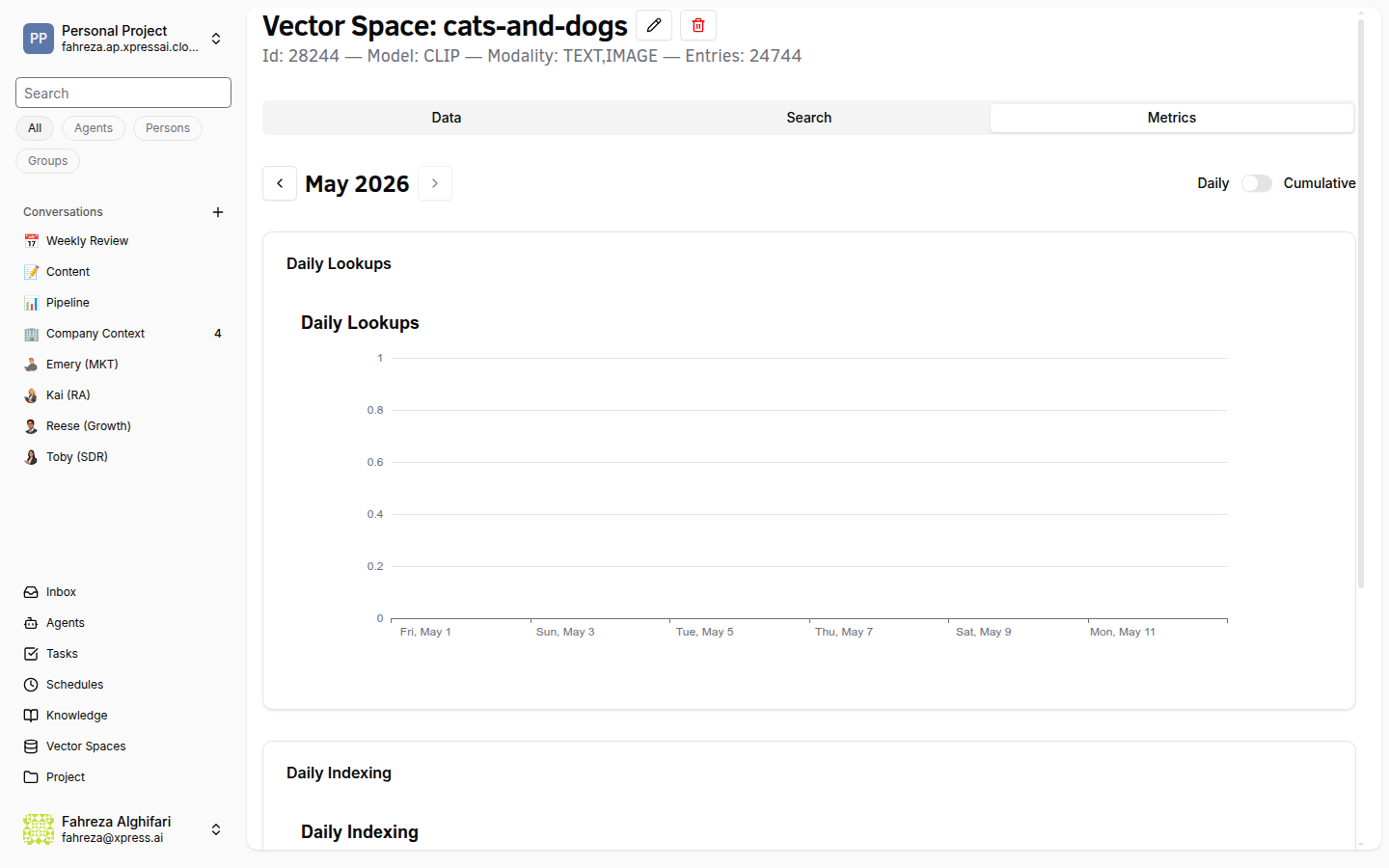
- Navigate to the Knowledge section from the sidebar.
- Select the vector space you want to inspect.
- Click the Metrics tab.
Available metrics
| Metric | Description |
|---|---|
| Daily Indexing Count | Number of document chunks indexed per day. |
| Storage Usage | Total storage consumed by the vector space. |
| Billing Integration | Cost associated with the vector space usage. |
- Use the charts to identify trends in indexing volume and storage growth over time.
tip
If you notice unexpected spikes in indexing count, check whether duplicate documents were uploaded or if a scheduled job is re-indexing content.
Verify
- The Metrics tab displays charts with indexing and storage data.
- Daily counts align with your known upload activity.
- Storage usage reflects the total volume of indexed documents.