Create a DM with an Agent
Direct messages (DMs) give you a private, one-on-one channel with an agent. This is the most common way to interact with your deployed agents.
Prerequisites
- You are signed in to the XpressAI Platform.
- You have at least one deployed agent in your project.
Steps
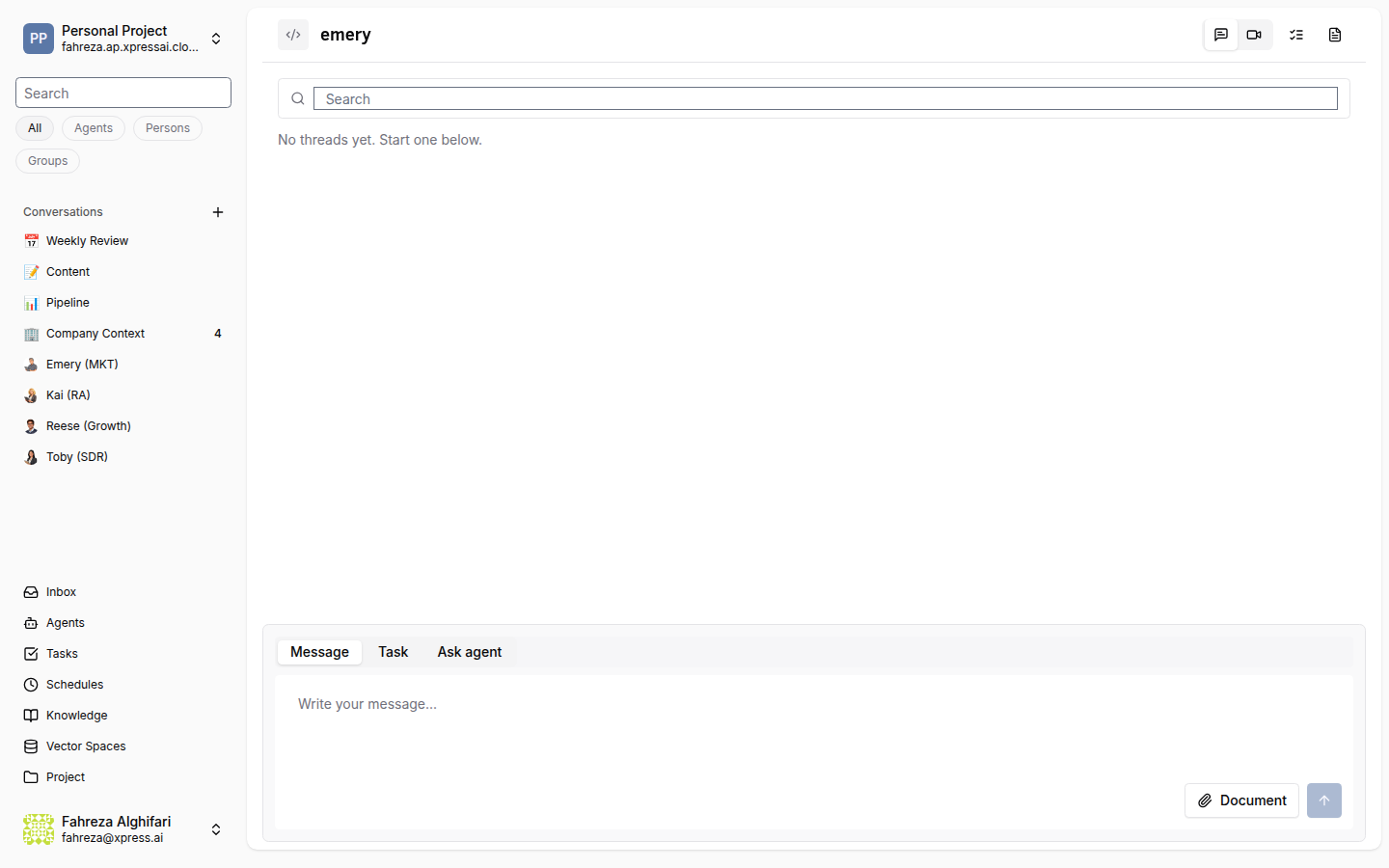
There are two ways to start a DM with an agent:
Option A: From the sidebar
- Locate the agent in the left sidebar under your project.
- Click the agent's name.
- A DM conversation opens automatically.
Option B: From the conversations menu
- Click the + button next to Conversations in the sidebar.
- Select New DM.
- Search for and select the agent you want to message.
- Click Create.
info
When you deploy an agent, a DM conversation is created automatically. You can find it in your sidebar without any extra setup.
Verify
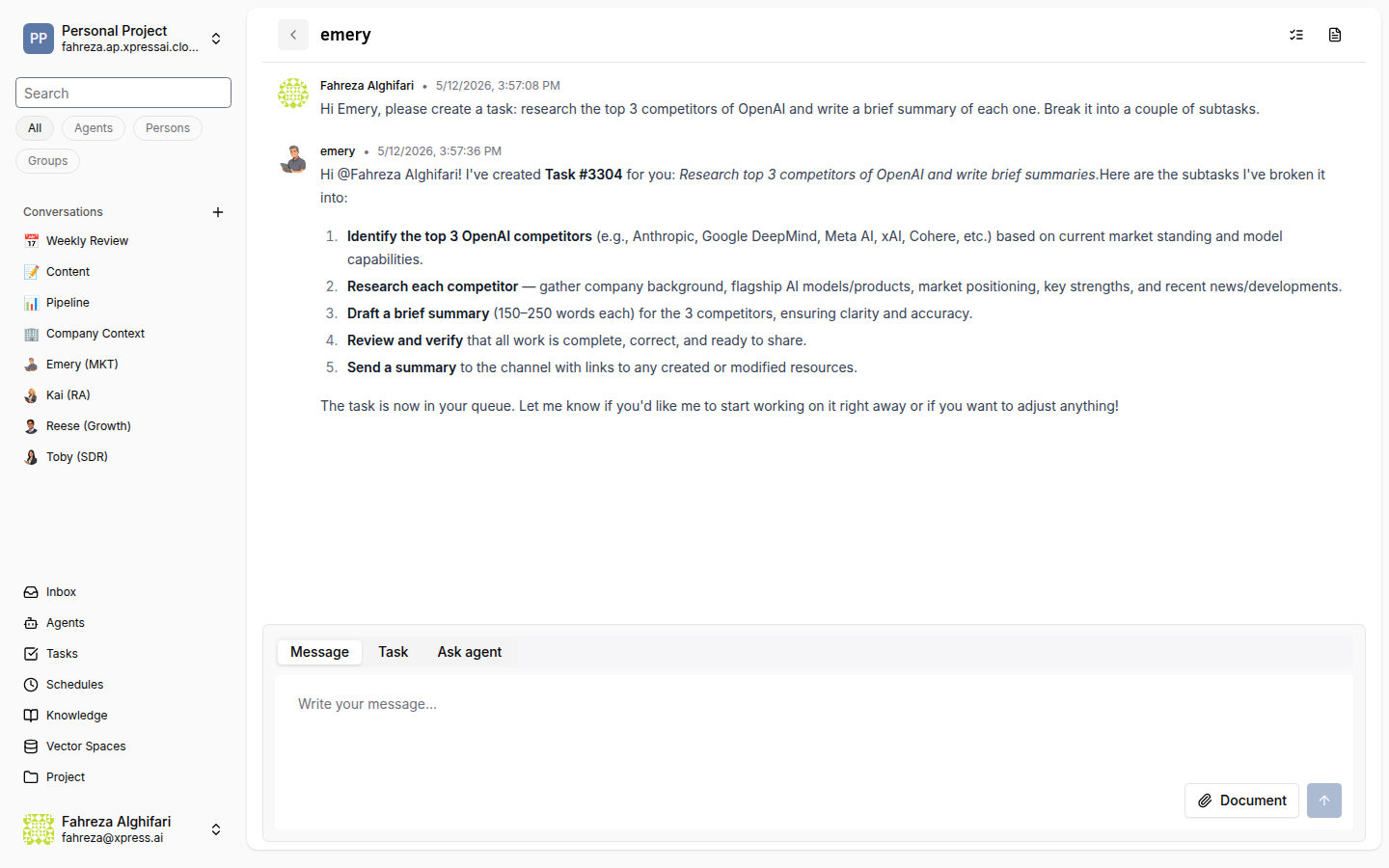
- The DM appears in your sidebar under Conversations.
- You can send a message and receive a response from the agent.
- The conversation header shows the agent's name and status.