Handle Inbox and Waiting Tasks
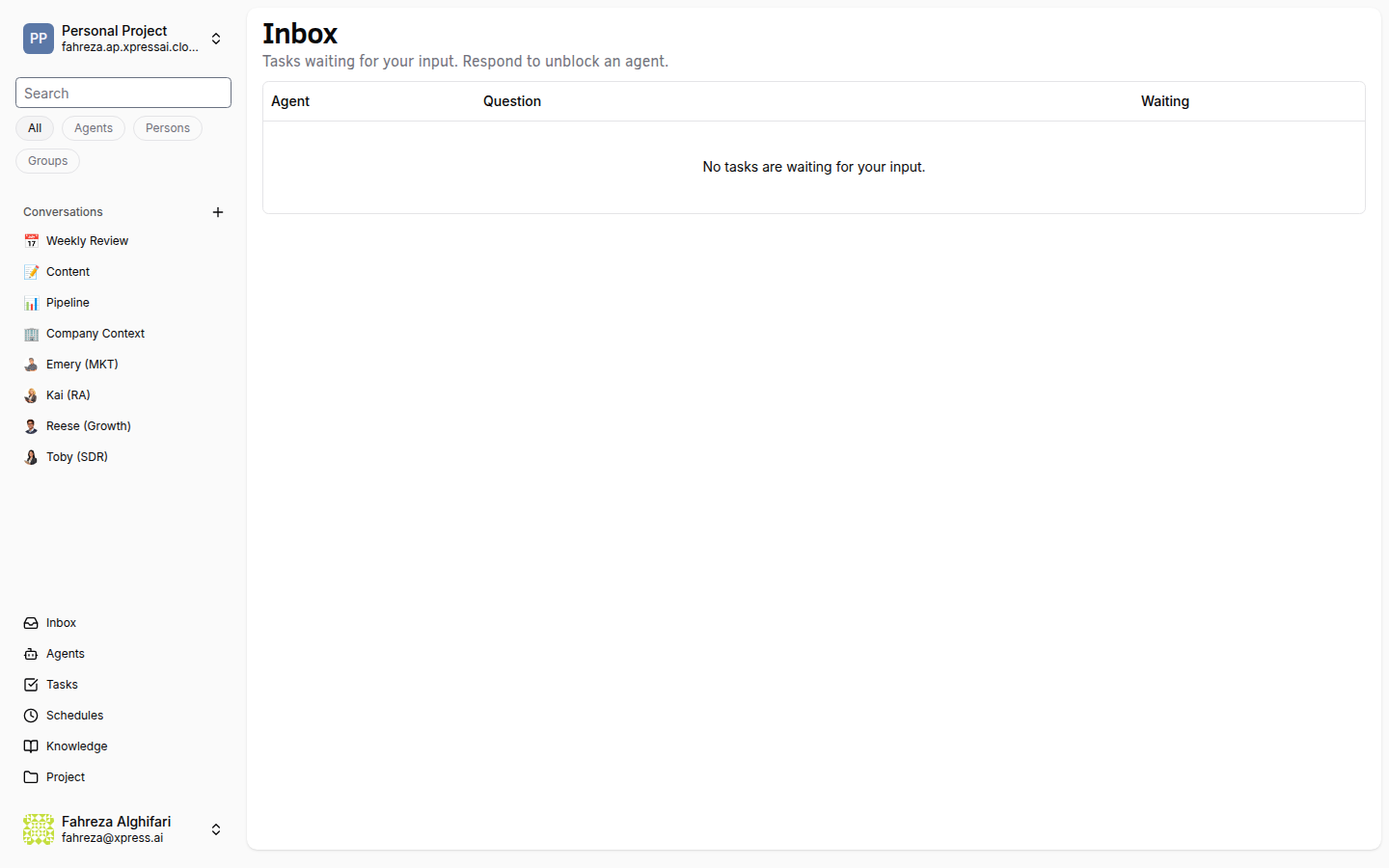
When an agent needs human input to continue a task, it moves the task to Waiting status and sends a request to your inbox. You respond, and the agent picks up where it left off.
Prerequisites
- An agent actively working on a task
Steps
1. Open your Inbox
Click Inbox in the sidebar. This shows all items that need your attention, including tasks where agents are waiting for your input.
2. Review the waiting task
Click a waiting task to see what the agent is asking. The agent's question or request is displayed along with the context of what it has done so far. Common reasons an agent waits:
- It needs a decision (e.g., "Should I use approach A or B?")
- It needs information it cannot find on its own
- It needs approval before proceeding with a sensitive action
- It hit an ambiguity in the instructions and wants clarification
3. Type your response
Enter your answer in the response field. Be specific -- the agent uses your response to continue its work. For example, instead of "yes," write "Yes, go with approach A and use the Q3 data for the analysis."
4. Submit your response
Click Submit (or press Enter). Your response is delivered to the agent.
5. Watch the task resume
The task moves from Waiting back to Doing status. The agent incorporates your input and continues working through the remaining subtasks.
Verify
- The task status changes from Waiting to Doing after you submit your response.
- The task disappears from your Inbox (or is marked as resolved).
- Check the task's conversation tab to confirm the agent received your input and acted on it.
Check your inbox regularly. Agents may be blocked waiting for you, and a delayed response means delayed task completion. If multiple agents are waiting, prioritize by task urgency.
If you do not respond to a waiting task, the agent remains blocked indefinitely. It does not time out or skip the waiting step on its own.