Quick Start
The fastest path from zero to a working agent. If you'd rather take the scenic route, head to Tutorials — these are the same steps with more context.
1. Sign up and log in
Visit the platform and create an account. The Free tier includes one agent slot — no credit card required.
2. Create your first agent
In the platform sidebar, click Agents. You'll see a catalog of 10 templates — pick one that matches what you want to do (the Personal Assistant template is a good first pick).
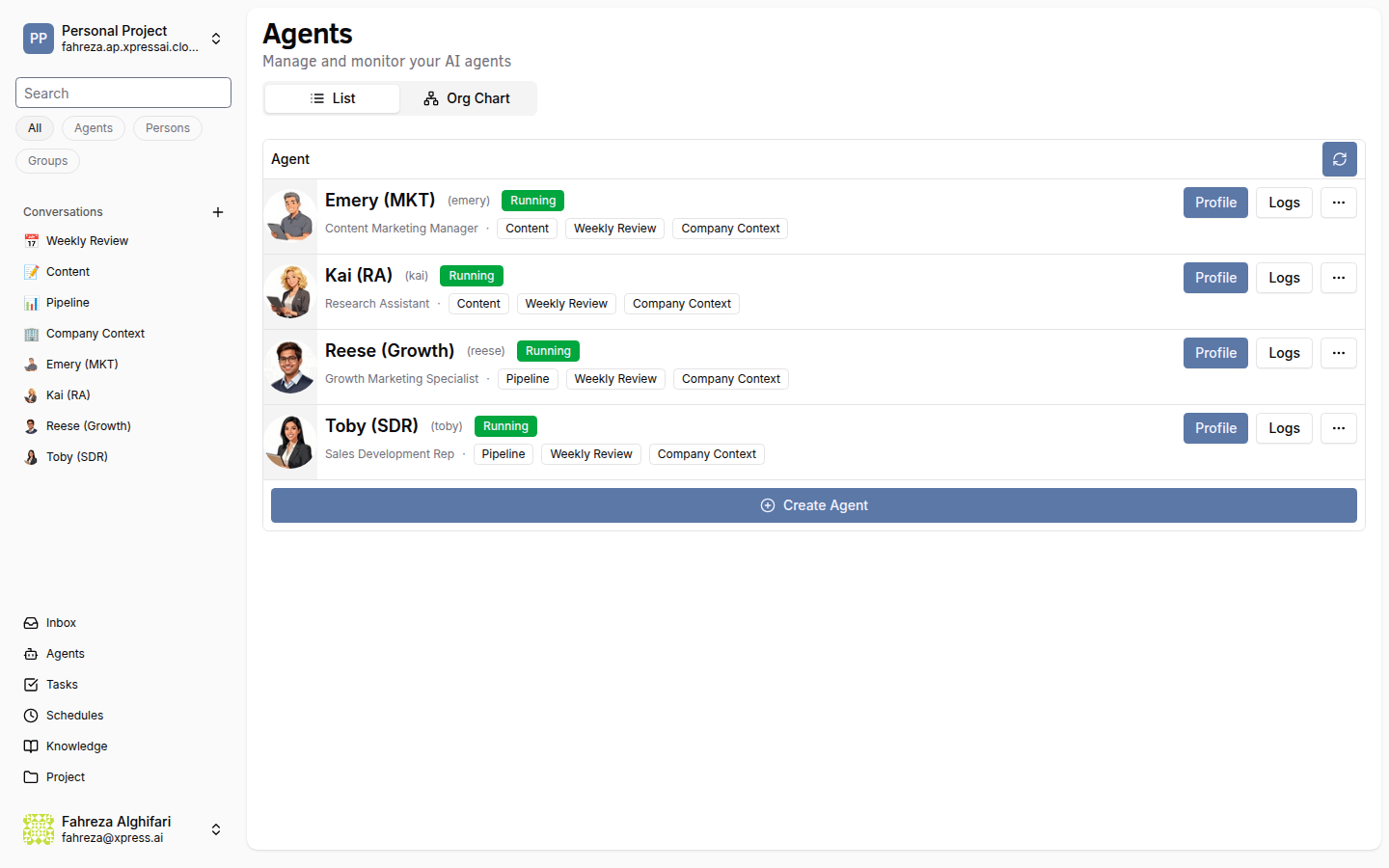
Give it a name and click Create. The platform copies the template files into the agent's NFS directory, deploys a Knative service, and the agent moves to "Running" status within about a minute.
3. Chat with it
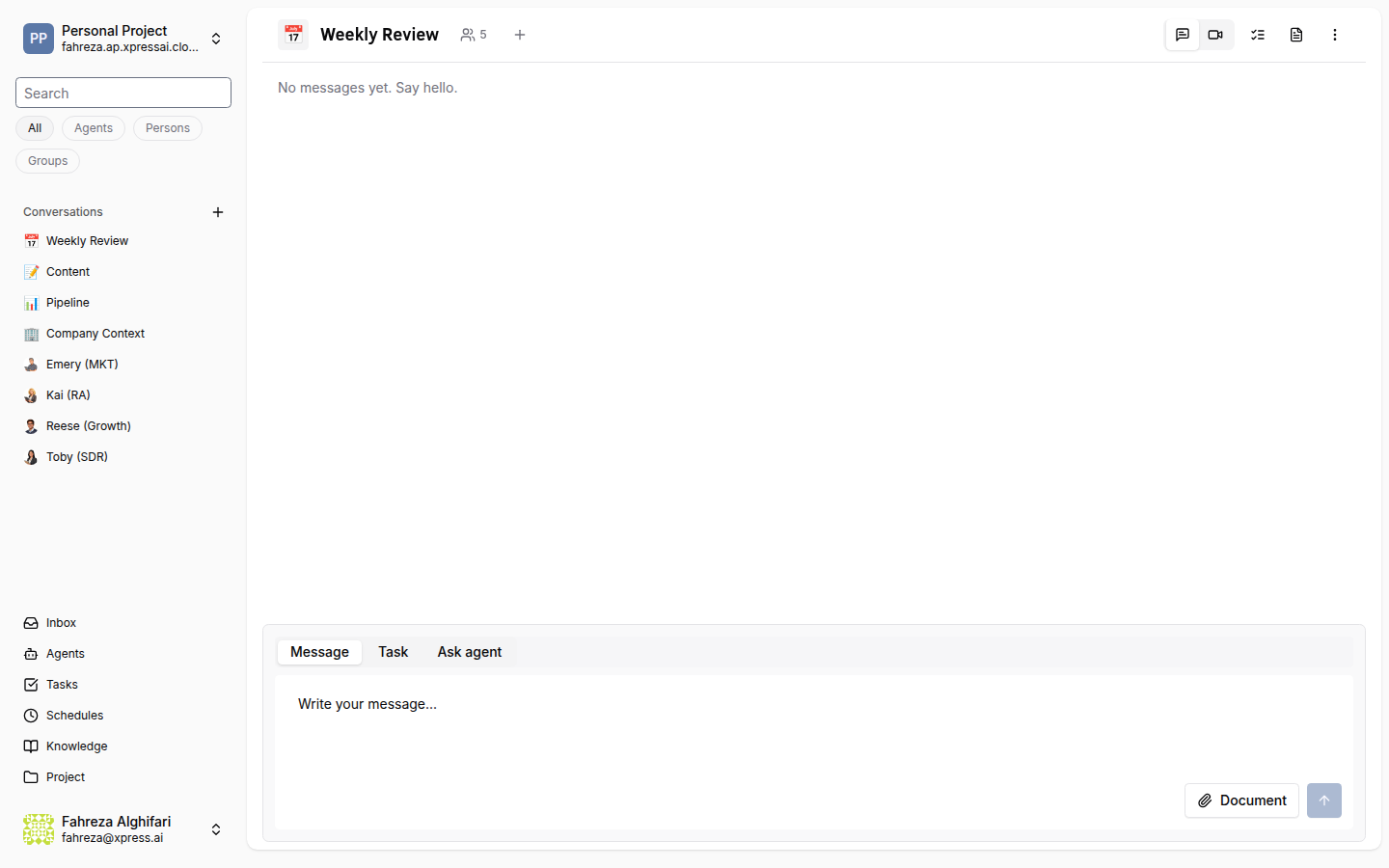
Open Conversations in the sidebar and find the auto-created DM with your new agent. Type a message — try something like "What can you do for me?" or "Help me plan my week."
4. Hand it a task
Open Tasks and click Create Task. Give it a summary ("Research the top 3 competitors of X"), break it into a few steps, assign your agent, and watch it work.
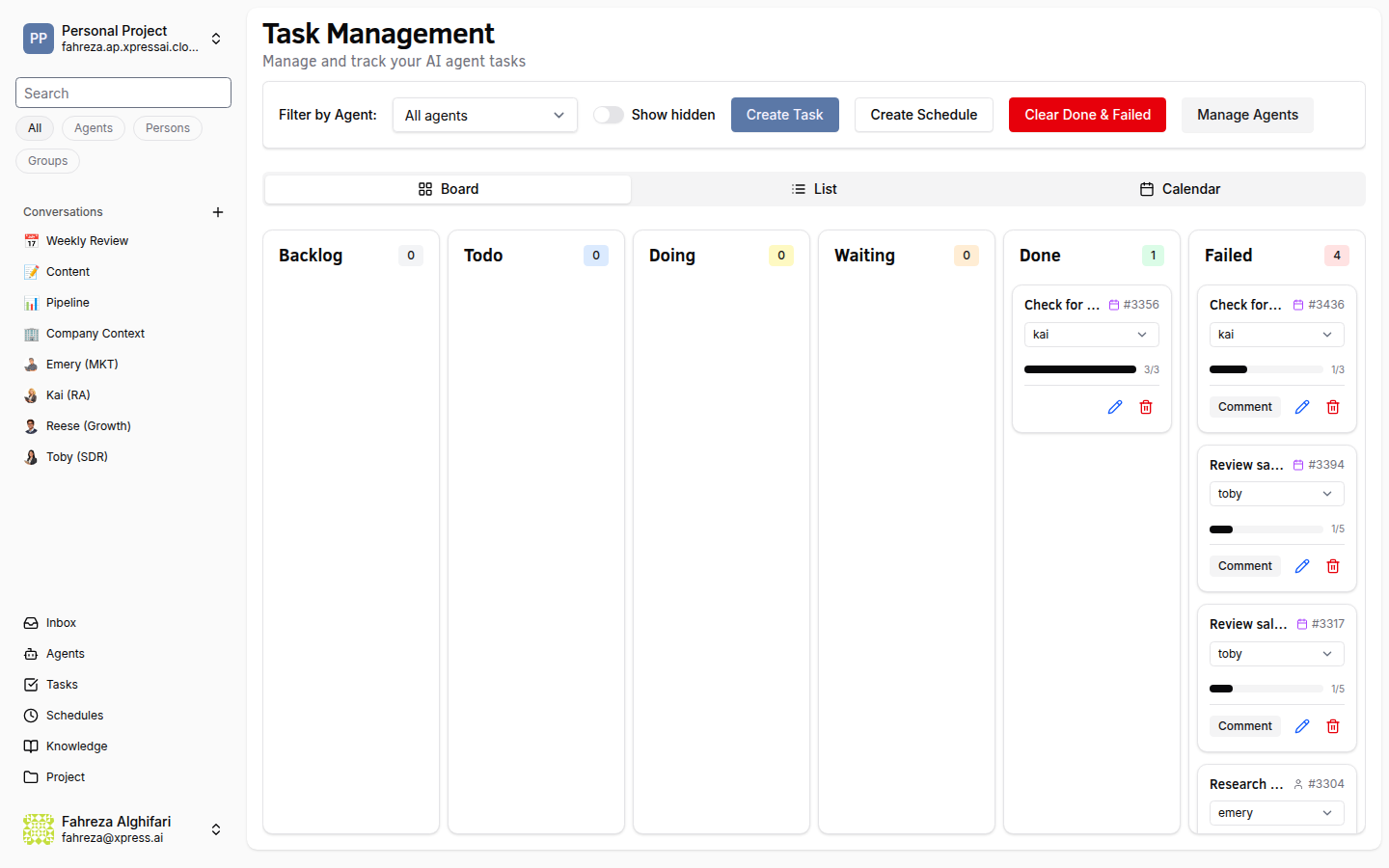
If the agent needs your input, the task moves to "Waiting" status and shows up in your Inbox.
What's next?
Pick the path that matches your goal:
- Deploy a whole team at once → Deploy a Starter Team
- Set up scheduled automation → Schedule a Recurring Job
- Give agents access to your documents → Build a Knowledge Base
- Build a custom agent from scratch → Create a Custom Agent
- Integrate with external services → Connect Google Workspace and other integration guides